Test an Item Tracker With Keys You Actually Own
Learn what a tracker can report in the same room, in another room, and after you leave, before relying on it to recover your everyday things.
In this article
The map shows your keys at home, which is reassuring until you need to know whether they are on the hall table or under a jacket upstairs. At that distance the map has answered the easy question. A sound, a nearby-finding feature if your hardware supports it, or a second person who remembers seeing the keys may help with the other one. Tomorrow, when the map shows the keys at work, the useful question may be different again: how recently did that location update?
A tracker can be worth carrying if its answers match the thing you tend to lose and the way you look for it. A short practice run reveals which functions work in the places you actually use. Choose only your own keys or another item you have permission to test, and try the supported features in familiar places. You do not need to misplace an essential object for real. Leave yourself a normal way to recover it throughout the rehearsal.
Decide which kind of loss you want to solve
Begin with a realistic example. Someone who forgets where they left their keys in a small home mainly needs a quick local search. Someone who leaves a bag behind at a rehearsal room may benefit from a reliable separation alert or a last known location. A tracker might make both cases easier, but each exposes different limits. Make a note of the question you wish the app could answer. “Is the bag still in the room I left?” is more useful than “show me the bag.”
Identify what you can comfortably attach to the item. A bulky tag might be acceptable on a spare key ring and awkward on the one you carry every day. If the product uses a holder, follow its fitting instructions and check that the assembly does not interfere with using the key or fastening the bag. Try the fit during ordinary use. A tracker somebody repeatedly removes because it catches on a pocket will not consistently answer questions about where the keys are.
Set the item up through the manufacturer's documented process and give it a name that will make sense during a search. “Front door keys” is usually clearer than “Tracker 1.” Make sure the tracker is registered to the correct account and that you understand how to recover access to that account using supported methods. Check any device compatibility requirements before planning around a feature such as nearby directional guidance. That feature can depend on the particular phone or tracker rather than a general promise that the two devices work together.
Practice the part that happens inside the room
Put the keys in a visible place first. Open the relevant item view, confirm the name, and try its supported sound feature where one is available. Listen from the positions you actually occupy. A sound audible in a quiet hallway can be difficult to distinguish from an appliance or conversation. See whether the app clearly indicates that you requested the sound and that the tracker responded. These can be different observations, particularly if the tag is not currently near a compatible device.
Put the same keys in an ordinary place they might end up, such as inside your own bag or beside a folded coat, where you can retrieve them immediately. Repeat the sound and compare it to the open result. Notice what happens when you change rooms. You may find that the relevant test is whether you can hear the tag from the doorway, rather than which corner you stand in when you first start the search. Keep the layout ordinary so the result is about something you will recognize later.
Try any supported nearby-finding display in a safe, clear area. Compare the direction or distance feedback with a position you already know. Follow the product's instructions and keep watching where you walk. Indoor signal behavior can vary with walls, objects, and the locations of both devices. A confident-looking arrow on a phone is a cue to verify against the room. If the feature is unavailable or the reading is erratic, use the ordinary visual search and sound as separate sources of evidence.
Learn what a reported location does and does not say
Take your usual phone and leave the keys in a secure place you are allowed to use. Check the item view again after you have moved away under familiar conditions. Read the timestamp and any wording the application uses to distinguish a current report from a last known one. A location marker is much more useful when you know what event put it there. A report from before you left the keys behind cannot establish what happened to them afterward.
The details of a finding network depend on the product and its settings. Some tags can be detected by nearby compatible devices and then have a location relayed through the relevant service. That is different from the tag running its own continuous location connection. Reports can arrive at uneven intervals, and a quiet location with little compatible device activity may provide less information than a busy one. Use the official documentation to understand the finding method you actually have rather than assuming the map is a live tracking feed.
A recently updated location can still be imprecise for the question you need. A marker covering one building may be useful for deciding which staff desk to call. It does not necessarily identify a floor, room, or person. Compare it with what you know about the item's last use. If the map places your keys at the community room and you last used them next to the stage, the combination gives you a better first question than either clue would on its own. Respect property and access rules wherever the map points. Ask the appropriate person or use the normal lost property process when you are not authorized to enter.
Compare an alert with an ordinary day
A supported separation notification can be valuable when leaving with an item is a regular requirement. Check the setting for one item and simulate an ordinary, authorized departure while the item is secure. Observe how soon the notification arrives, what it says, and whether it gives you time to act. A delay normal for the service may be acceptable when you are walking out of a building, yet less useful if you are already on a moving train. Use the test to set an expectation, not to prove a precise boundary.
Consider places where you intentionally leave things. Some systems allow exceptions for known locations. If you use one, verify that it applies to the location and item you actually intended, and try an example away from that location too. The reason for an exception matters. Leaving a spare bag at home every workday may be normal. Leaving the same bag in a meeting room may be the one event you want to notice. A feature can either reduce pointless alerts or suppress a reminder you relied on, depending on how it is configured.
If another person legitimately uses the item, discuss the tracker with them and use the service's supported sharing controls when appropriate. A borrowed kit does not give you a reason to monitor someone's movements. Keep safety and unwanted-tracking alerts active and follow the platform's guidance if one appears. The most useful practice concerns your own property and a transparent arrangement with anyone who routinely carries it. You can learn everything important about the local search without concealing or deploying a tag on somebody else.
Prepare for the day the tool has little information
Learn how your tracker shows its battery status or service requirements. Some models use a replaceable battery and others have a different arrangement. Follow the product instructions and check the item in the app after any maintenance. Test whether your phone still recognizes it and whether an ordinary supported sound works. A battery indicator that looks fine one day is not a reason to treat the tag as the sole recovery method for a valuable object.
Leave a conventional fallback. A bag can have an appropriate contact card, a key can have a safely stored spare, and an equipment case can have an ordinary inventory label. Keep address and access details out of places where they need not be visible. If you lose access to the phone itself, know the documented way to look up the item or to regain access to the account from another trusted device. This part of the plan is often more durable than the features marketed on the tag's box.
A useful rehearsal ends with a sentence about which answer you can trust. You may know that the tag is audible inside its usual bag, that an old marker is useful only as a starting point, and that the reminder arrives at a helpful part of your normal walk. Those are three concrete pieces of information. They tell you when to open the app, when to listen, and when to ask somebody who was in the room.
Product reference
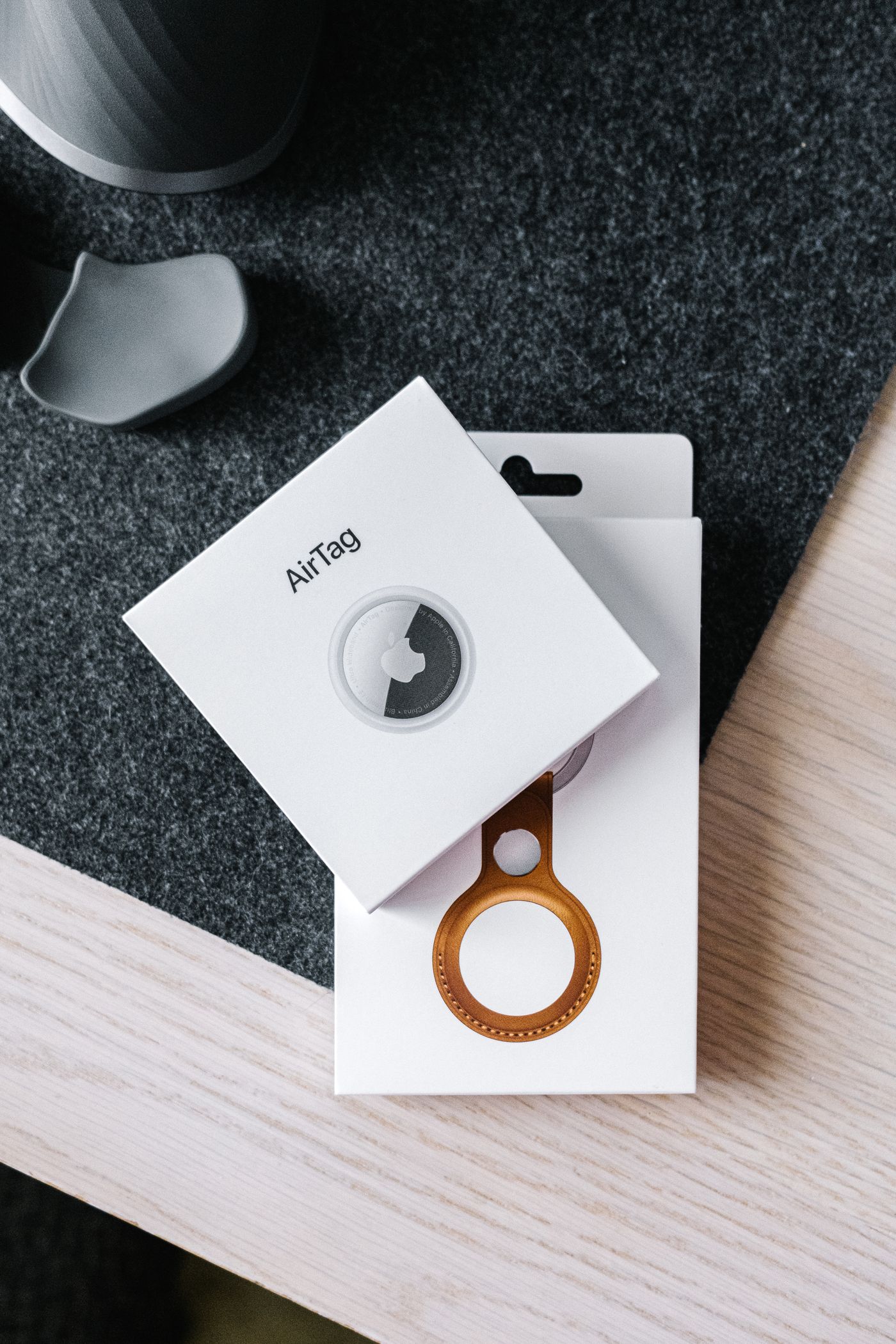
Apple documents the Find My features available for its devices and AirTag. Consult the equivalent instructions for your own tracker and phone, including the supported range of nearby and locating functions.